Delete a replacement
This section explains how to delete a replacement.
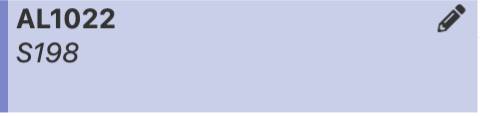
In the “Schedules” service, select the pencil icon of the desired session.
In the teacher management window for the session, select the “X” next to the name of the replacement teacher.
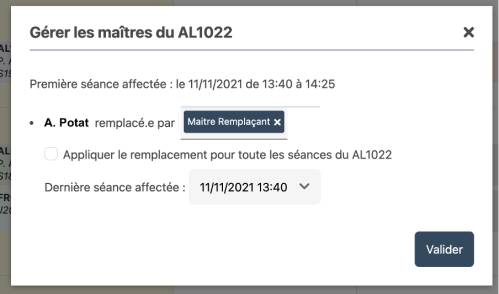
Then choose the last session affected by this deletion.
Click the “Confirm” button to confirm the deletion of the replacement.