Replace a teacher
The replacement feature allows selecting a substitute teacher for one or more sessions of a course.
The replacement has the following effects:
- Enrolls the substitute teacher in the collaborative space (unenrollment after replacement must be done manually by an administrator) of the course group (to use documents & news);
- Grants them writing access in “Courses and Homework” for the course sessions affected by the replacement;
- Grants them read access to the content of the last three course & homework sessions prior to the replacement to ensure educational continuity.
In the “Schedules” service, enter the name of the teacher to be replaced.
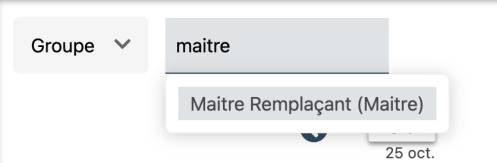
The teacher’s schedule appears; hover the mouse over the desired session and select the pencil.
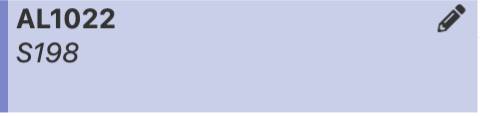
The teacher management window appears.
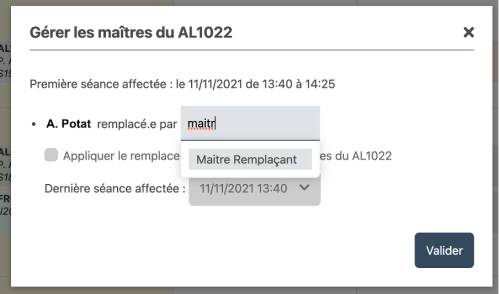
Simply enter the name of the substitute teacher and the last session affected by the replacement.
For selecting the last affected session, the system by default suggests sessions with the same daily time slot. The option “Apply replacement to all sessions” allows applying it to all course sessions.
Click the “Confirm” button to apply the replacement.