Take attendance
When a teacher supervises an extracurricular time slot such as a study circle, make-up work, or detention, they must take attendance.
To do this, select the desired time slot and click the button.

The list of students will then appear:
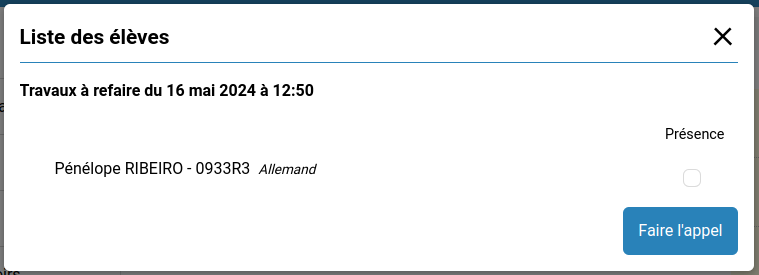
Check the students who are present and click the Take attendance button.
It is possible to take attendance multiple times, for example, if students arrive late.
Once the session is over, if attendance has been taken, an absence notification is sent to the dean and homeroom teacher of all absent students.