Assign an H5P exercise in an assignment
To integrate an H5P exercise into an assignment in the Courses & Homework service, here is the procedure:
Add an assignment to a session as usual, and in the assignment creation interface, click on

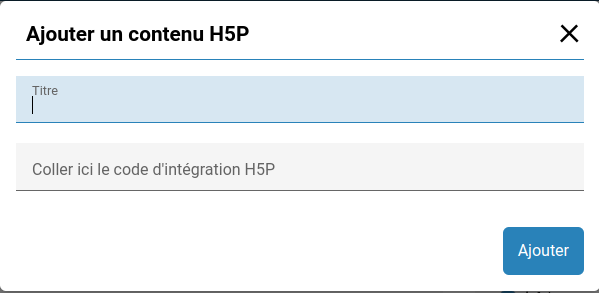
A window will then open, asking you to enter a title and an embed code.
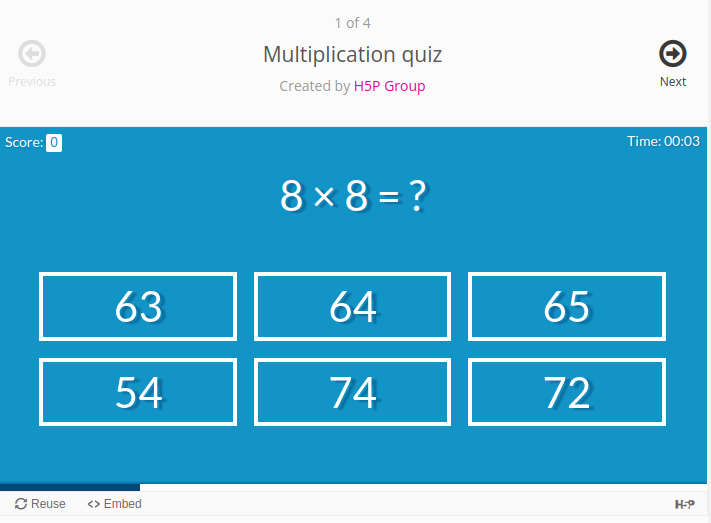
To find the embed code, go to your H5P content and click on the “embed” button in the bottom left corner.

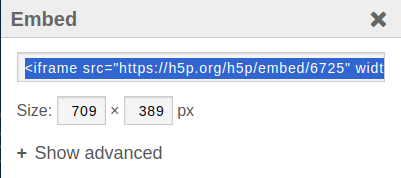
A window will open, and the code to paste into your assignment will be here!