Broadcast an application
To manage the distribution of a given application, click on it to open a configuration window. For example, with EdX:
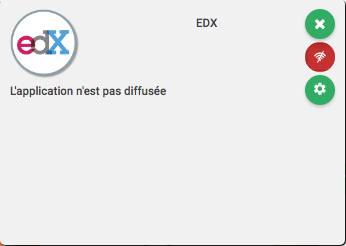
The scope of distribution for an application is the group of people who have this service in their ENT menu. An overview of this scope is available in the configuration window.
In this example, the EdX application is not distributed to the institution.
To distribute this application, click on which then becomes
. The default distribution scope will then apply, in our example, to all profiles in the institution.
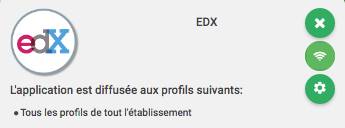
To modify the distribution scope, click on the button. A window opens to manage the distribution rules for the application.

Click on to add a new rule.
Click on to remove a rule.
For each rule, define on the left the list of authorized profiles and on the right the list of authorized groups.
The ‘All profiles’ profile includes all roles. The ‘Entire institution’ group includes all classes.
For example, you might want to distribute an application to all teachers in the institution and to students in certain classes. Thus, you would have 2 rules:
- All teachers in the institution
- Students in classes TS1, TS2, TS3
Click on the button to save the changes.