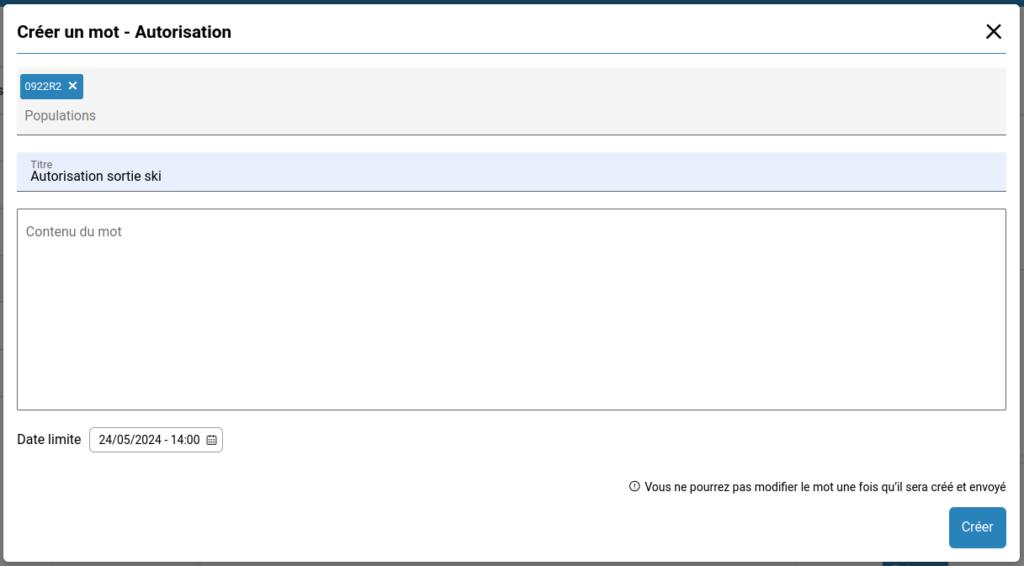
Create a correspondence
Only teachers and staff members of the institution are authorized to enter correspondences.
Teachers are limited to choosing their classes and students.
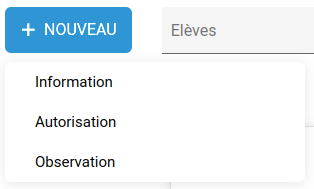
To enter a correspondence, go to the “Communication Book” service and select the desired type of correspondence in the “New” menu
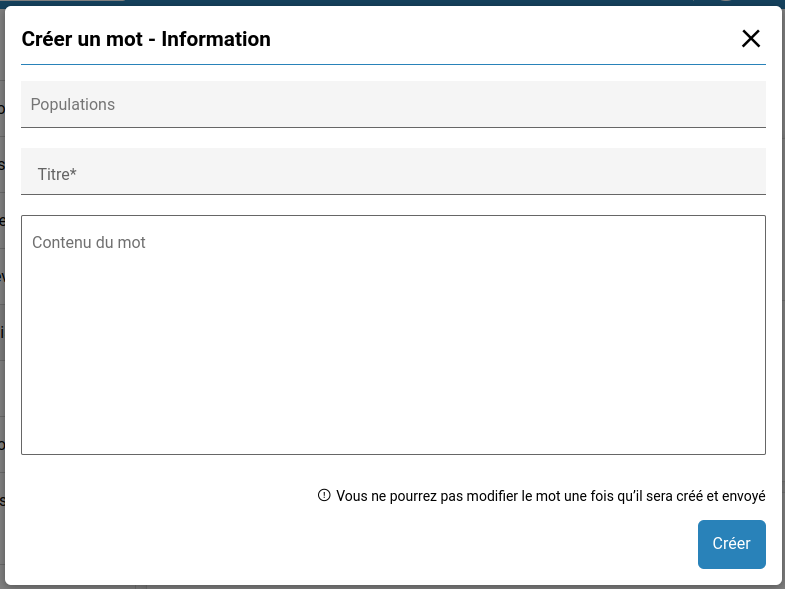
The following interface allows you to select a target population (you can select multiple elements among students and classes),
enter a title (mandatory),
and specify the message.
The specificity of authorization requests is that they also require a signature deadline, initially set by default at the end of the current school year. After this date, legal guardians will no longer be able to authorize or not the request.